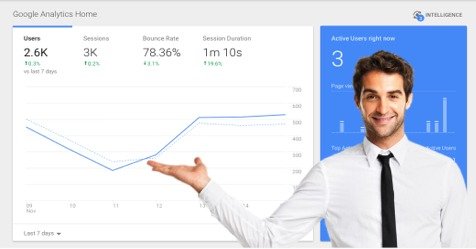

A Google Analytics Walk Through
Google Analytics often seems too difficult, but it doesn’t have to be if you know exactly where to click.
In this post, I am going to take you on a Google Analytics walk-through to show you how to easily track user behavior [Call-To-Actions and Click-Through-Rates] to determine how to improve your website.
Most small businesses never do this.
They simply install Google Analytics and then do little else. They will then occasionally visit their Google Analytics page and look at the total amount of traffic their website is getting.
Why do people not dig deeper with Google Analytics? Because it’s seem so dispiritingly complicated.
Well, not so today.



 To build organic traffic to your web content in 2020, what is the first step you will take?

 The Facebook “Call Now” button introduced a great way for customers to immediately contact your business when they are using Facebook on their cell phone.
 I just “completed” Jon Loomer’s Facebook Keys to Success Webinar and will provide you with a quick review of it here.

 If you’ve recently logged into Google AdWords to get keyword data, you may notice that the “Average Monthly Searches” column is now not nearly as useful.

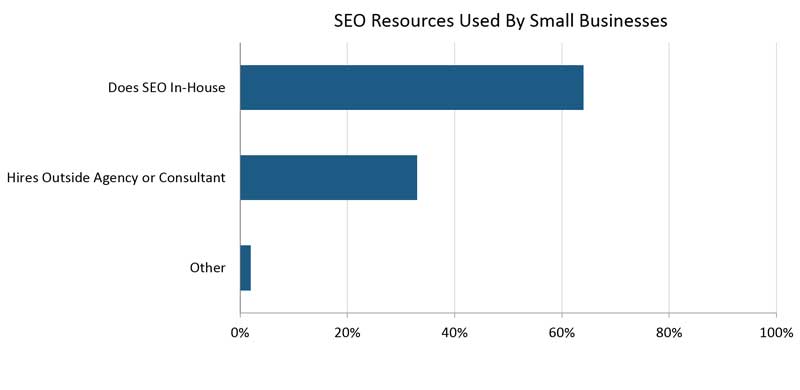
 If you were to name the one giant SEO mistake that you are making, what would it be?
 When it comes to generating more business from the web, small business owners often forget to ask themselves